

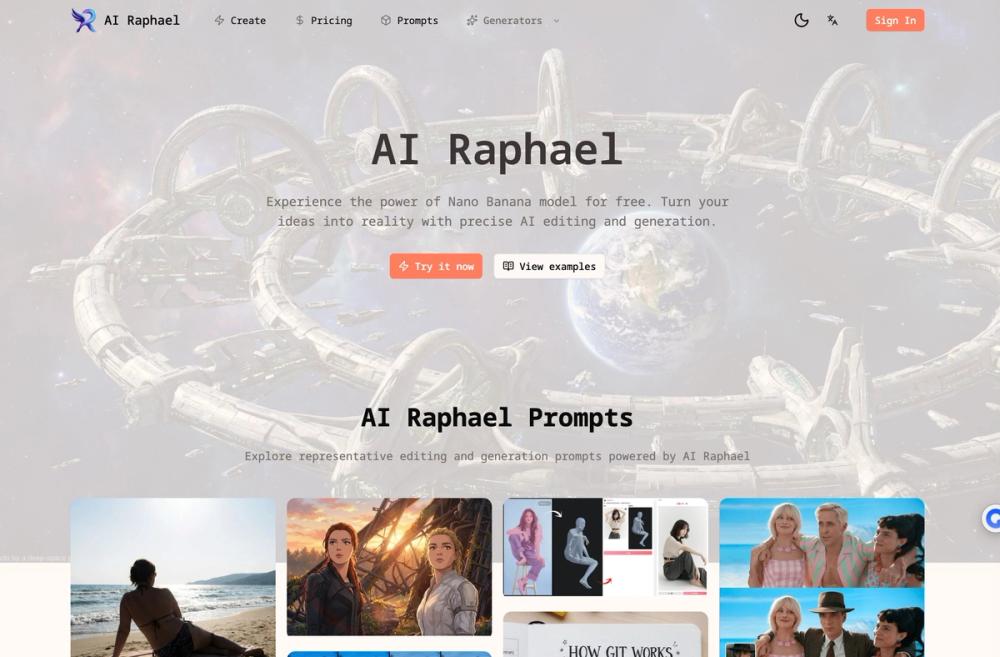
AI Raphael — Overview
AI Raphael is a web-based AI image generation and editing tool powered by the Nano Banana Pro model. It focuses on natural-language editing, identity-aware character consistency, multi-image remixing, and scene preservation to produce photorealistic and stylized outputs quickly.
Key technical features:
- Natural Language Editing: Apply complex edits using conversational prompts; the pipeline parses instructions and maps them to pixel- and latent-space transformations.
- Character Consistency: Identity-aware modeling preserves faces, outfits, and poses across iterative edits for consistent character representation.
- Scene Preservation & Blending: Seamlessly integrates edits into original backgrounds to maintain lighting, perspective, and texture continuity.
- Multi-Image Remix: Combine elements from multiple reference images to synthesize new scenes or match styles across frames.
- Aspect Ratio & Presets: Supports framing presets (1:1, 16:9, 4:5) for social, print, and banner outputs.
- Instant Variations: Generate rapid variations (lighting, color, composition) without restarting workflows.
Use cases:
- Photographers: Retouch and recompose shots using conversational prompts while preserving subject identity and background.
- Digital Artists & Illustrators: Produce consistent character sheets, stylized renders, and high-quality anime or caricature outputs.
- E-commerce & Fashion: Create brand-consistent model shots, product mockups, and lookbooks via multi-image remixing.
- Social Media Creators: Quickly generate platform-ready aspect ratios and iterate on thumbnails, hero images, and promotional visuals.
- Game/Animation Concepting: Generate character concepts, stylized scenes, and variations for storytelling and previsualization.
Technical integrations & deployment notes:
- Web-first UI with direct create/edit flows at /create; supports uploading reference images and applying text prompts.
- Outputs optimized for high-res export; supports presets suitable for print and digital platforms.
- Designed for rapid iteration in creative pipelines; can be used by non-technical users via natural-language prompts.
Limitations & considerations:
- Ethical and legal constraints apply (e.g., deepfakes, unauthorized celebrity likenesses). Prompts in the example content show potentially sensitive use cases which should be handled according to policy and local law.
- Users should validate commercial rights for generated content depending on use and jurisdiction.


