

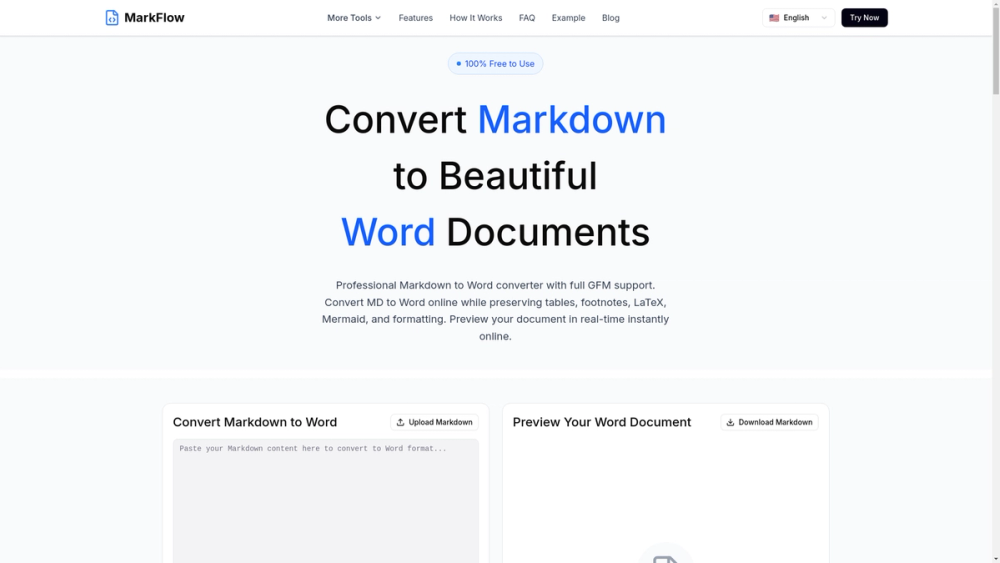
MarkFlow — Markdown to Word Converter
MarkFlow converts Markdown (.md/.markdown) files into professionally formatted Word documents (.docx and .doc) directly in your browser. It preserves GitHub Flavored Markdown (GFM) features and provides a live preview so you can validate formatting before downloading.
Key features
- Privacy-first, client-side processing — files never leave your device.
- Full GFM support: tables, footnotes, emojis, GitHub alerts, and extended syntax.
- Rich content handling: LaTeX math, Mermaid diagrams, images, and code blocks with syntax highlighting.
- Live preview updates in real-time as you type or paste content.
- Output formats: .docx (modern) and .doc (legacy) for compatibility.
- Fast, low-latency conversion optimized for immediate download; supports files up to 10MB.
Technical details
- Runs entirely in the browser using client-side rendering and document generation; no server upload required.
- Preserves document hierarchy (headings, lists, footnotes) so Word outlines and styles remain intact.
- Handles embedded assets (images) and converts inline LaTeX/Mermaid to compatible Word representations or embedded graphics.
- Syntax-highlighted code blocks are mapped to Word styles for readable technical documentation.
Primary use cases
- Developers converting README or technical docs to client-ready Word reports.
- Writers and content creators preparing manuscripts for reviewers or publishers.
- Academics exporting research notes with LaTeX and citations into Word templates.
- Teams and enterprises needing .doc/.docx deliverables from Markdown-based workflows.
Why choose MarkFlow
MarkFlow combines accurate Markdown fidelity with fast, offline conversion and a user-friendly preview interface — ideal for anyone who needs reliable Word output from Markdown without risking privacy or incurring conversion delays.


