

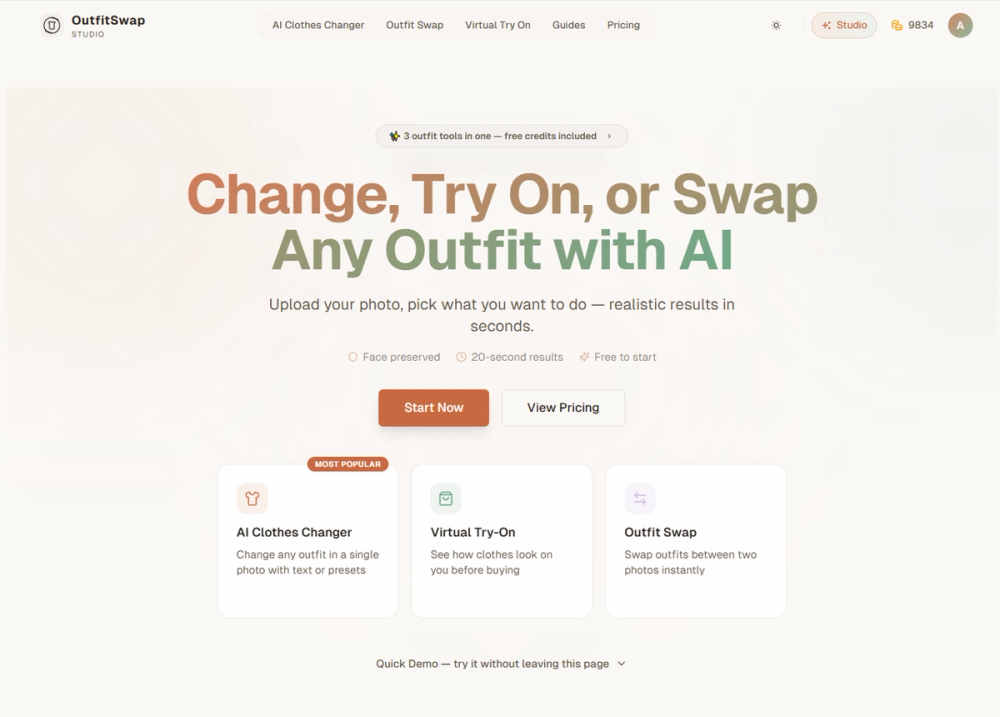
Outfit Swap Studio — AI Outfit Tools
Outfit Swap Studio provides three portrait-first AI tools to change clothes in a photo, virtually try on garments before buying, or swap outfits between two images. The service is built to preserve the subject’s face, pose, body proportions and original background while producing realistic, high-quality transformations.
Key features
- Three integrated tools: AI Clothes Changer, Virtual Try-On, and Outfit Swap (reference-based restyling).
- Face and background preservation to maintain identity and context.
- Supports preset styles and custom text prompts for fine control.
- Fast results (advertised ~20 seconds) with free starter credits and paid plans for higher throughput.
- Multiple output options: preview-quality and full-quality downloads, original resolution available on paid tiers.
- Privacy-first processing: uploads are not used to train public models and are auto-deleted periodically.
Technical notes
- Optimized for portrait and half-body images with good lighting and simple poses for best accuracy.
- Works best when source and reference images have similar lighting/pose for outfit swaps.
- Credit-based pricing: generations consume credits; subscriptions and one-time packs available.
- Includes commercial-use licensing on certain paid tiers and priority or turbo queues for faster processing.
Primary use cases
- Shoppers and e-commerce: virtual try-on for dresses, suits, gowns, and product previews.
- Content creators & influencers: quick outfit restyles, lookbooks, and campaign mockups.
- Photographers & stylists: recoloring or restyling without reshoots.
- Marketers & retailers: product visualizations and A/B clothing tests.
Target users
- Individual users wanting to preview outfits or update photos.
- Businesses and creators needing batch or commercial use features (available on Pro/Creator plans).


