

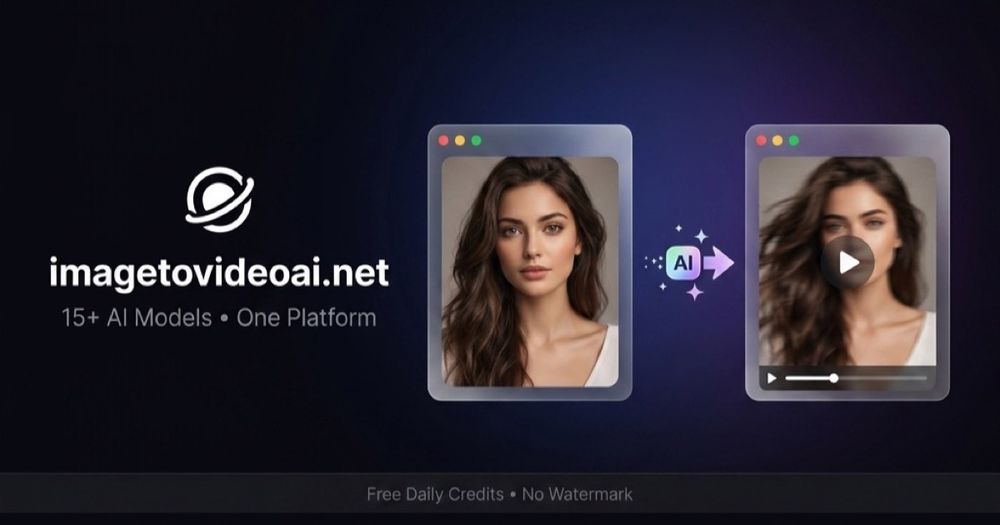
ImageToVideoAI (imagetovideoai.net) animates stills into short cinematic clips and markets access to a broad roster of AI video models from a single uploader.
Overview
ImageToVideoAI (imagetovideoai.net) is a next-generation AI video generator that turns static images into cinematic, shareable videos. Whether you want to bring a vintage family portrait back to life, reunite with your childhood self, recreate a warm hug between two people, or produce a polished product ad from a single product shot, ImageToVideoAI makes it possible in a few clicks.
The platform integrates multiple state-of-the-art generative video models — including Seedance 2.0, Kling 3, Wan 2.7, and Grok Imagine–style pipelines — behind a clean, Kling-inspired workbench. Users can upload a photo, auto-fill scene prompts, tweak style, and generate videos in parallel (Pro users). Each result supports one-click preview, retry on failure, and watermark-free download.
Popular use cases include:
- 🖼️ Animate old photos — bring vintage family portraits and historic images to life.
- 🤗 Two-people scenes — hugging, reunions, French kiss, emotional reveals.
- 🎬 Cinematic landscapes & product ads — for creators and small brands.
- 📱 Short-form viral clips — optimized for TikTok, Reels, YouTube Shorts.
ImageToVideoAI offers a free tier for exploration and affordable Pro plans (powered by Stripe) for higher resolution, parallel rendering, and priority queue. The roadmap includes blur-photo restoration, multi-image storytelling, start/end-frame control, and a community feature request board where users can upvote the features they want next.
If you've been looking for a free AI image-to-video generator or a serious Kling / Runway alternative, ImageToVideoAI is designed to be both approachable for beginners and powerful enough for serious creators.
FAQ
How many models are available?
Marketing highlights on the order of a dozen+ models; the exact roster changes—check the live selector.
Is there a free start?
Yes, free-to-start positioning with paid subscriptions for volume.
Good inputs?
Sharp, well-lit stills with clear subjects animate more cleanly than tiny or noisy crops.


